
Tracky Mouse Goodies
Wallpapers and more
Wallpapers and more
Click on the images below to download the wallpapers.
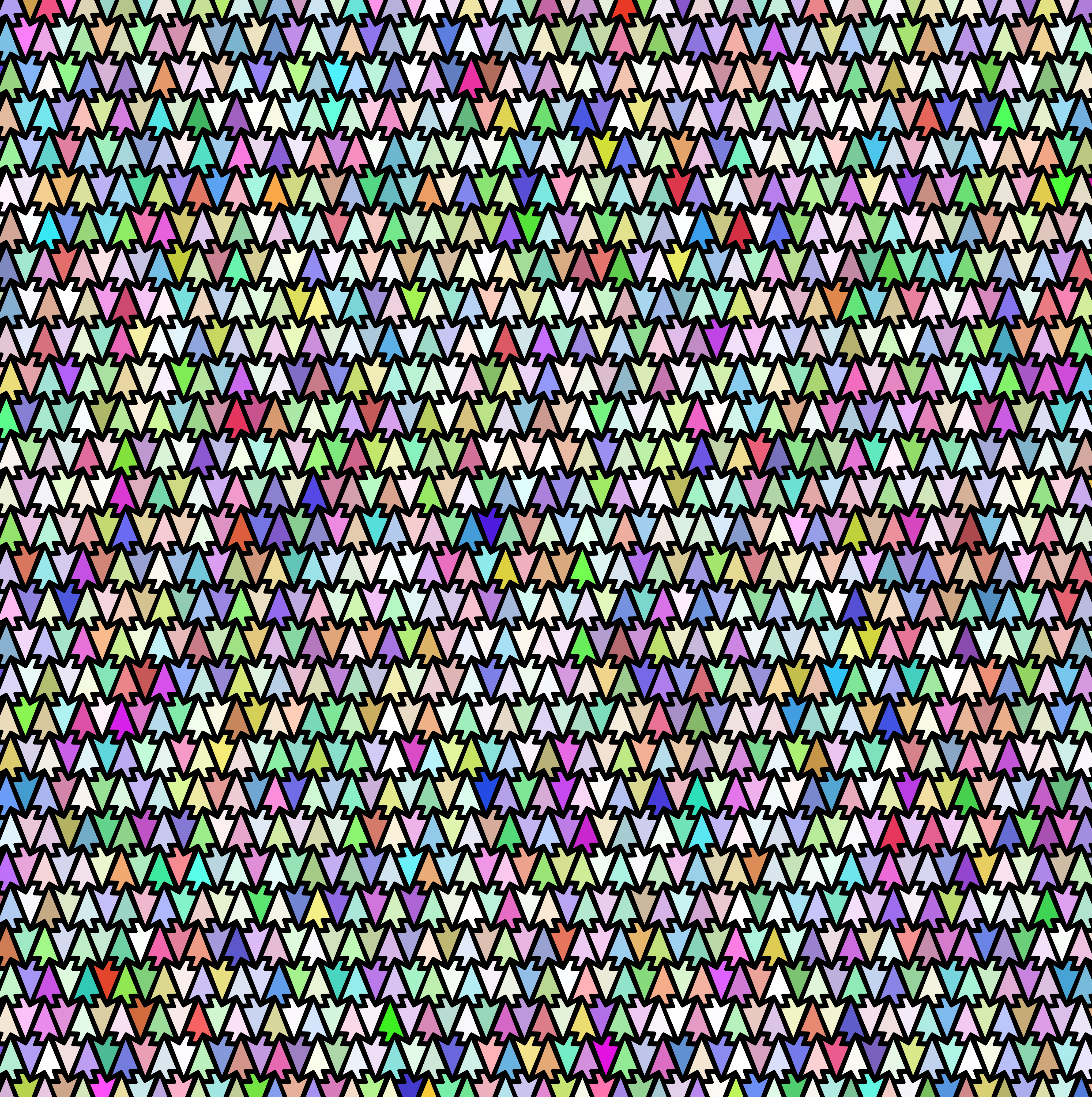
One day it occurred to me that a cursor shape should be able to tesselate, and so I had to make these.
They're not exactly designed as wallpapers (hence the weird aspect ratios), and they're a bit garish, color-wise, but with some tweaks in an image editor you could shade them to your liking.


I've also made some wallpapers that are specifically Tracky Mouse themed for my personal use, to feel cool and thematic as I work on the project, but I haven't uploaded them yet.
Click on the image below to download the Tracky Mouse logo.
Click on the buttons below to copy the text art to the clipboard.
This one uses a proportional font and the legs will display reversed on some platforms and I made it on my phone and don't judge me
[Chorus] Tracky Mouse It allows You to use Your computer without a mouse [Verse 1] And without a touchpad 🚫🔲 ✅ And without hands 🚫👐 ✅ And without sitting 🚫🪑 ✅ That’s right, you can stand You can even interact From five feet back 📏✅ It might seem A little absurd (╭ರ_•́) But I mean I’ve done it and it works ¯\_(ツ)_/¯ The only problem being That it’s hard to see the screen 😅 (Have you seen my glasses?) 👓 [Chorus] Tracky Mouse It allows You to use Your computer without a mouse (And how!) [Verse 2] Mouse cursor telekinesis ᯓ➤ It's a superpower you can download today 🦸🏻♂️⬇️ Close your eyes to toggle it >ᴗ< And get on your way (Tracky Mouse!) Watching TV 📺🍿 Eating a hoagie 🥖 (Mmm!) 😋 Mayo may overflow (Ooo, oh no!) You don't wanna get your paws 🐾 On the spacebar just to pause ⏸️ But you don't need to use your mitts 🧤 When you can use your head to click 😎 (Tracky Mouse!) [Chorus] Tracky Mouse It allows You to use Your computer without a mouse (And how!) [Verse 3] Hands-free 🙌 A webcam is all you need ˙✧˖°📸⋆。˚ Left click! Right click! Middle click! 🖱 I can click! anything! you can click! 💪 Click and drag, click and draw 🎨🖌️ Now the drawing might come out a little bit raw 🥴🖌️ But if I judicially zoom and use undo 🔎 ↩️ I can draw a lot like you 🙂🖌️[Verse 4] No black magic 🔮 No electrodes in my brain 🧠🔌 Just a camera watching me 『❂』 Repeatedly explain "No, for reals though, See how it follows my head around?" I show how I can browse 🌐 And everybody goes "wow" 🤩 (Wow!)[Chorus] Tracky Mouse It allows You to use Your computer without a mouse (Look ma, no hands!) And how! Tracky Mouse!